Creative Crafting World succeeds as a browser-based sandbox by offering two distinct modes that cater to different play styles. Survival mode keeps you engaged with resource management and creature encounters, while creative mode lets your imagination run wild. The controls are responsive, and the crafting recipes encourage experimentation. It is an excellent choice for players who enjoy building and exploration without needing a powerful computer.
In Creative Crafting World, players control a character in a 2D blocky environment. The primary activities involve moving around the world, collecting raw materials like wood and stone, and using those materials to craft tools and construct buildings. The game offers two distinct ways to play: survival mode, where you must manage resources and avoid hazards, and creative mode, where you have unlimited supplies for building.
Survival mode introduces a day-night cycle and requires you to gather food, build shelters, and manage your character's hunger. Hostile creatures appear at night, so preparing a safe base before dark is important. You can explore caves, mountains, and forests to find rare materials. The crafting system includes many recipes for creating equipment, tools, and decorative items.
Creative mode removes all restrictions, giving you immediate access to every block and item. This mode is ideal for practicing construction techniques or building large projects without worrying about resources. You can fly around the map to place blocks from any angle. Many players use this mode to design complex structures before attempting them in survival.
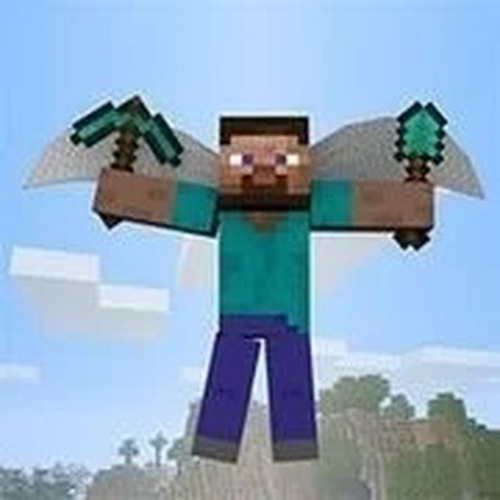
The world contains villages where you can trade with villagers for unique items. Exploring different biomes reveals new resources and challenges. An elytra item allows gliding across long distances, making travel faster. The game saves your progress automatically, so you can return to your creations later.
Keyboard controls handle movement, jumping, and interaction. The mouse is used for placing and breaking blocks. A hotbar at the bottom of the screen lets you select items quickly. The inventory screen organizes your collected materials. Additional controls allow sprinting, swimming, and toggling sound effects.





Player Comments
Sign in to comment
You must be logged in before posting a review or rating.
No account? Create one
No comments yet. Be the first to comment!